Starter
For solo architects getting started in the cloud.
$8/mo
$96/yr billed annually
- 1 cloud canvas
- 2 health checks
- AWS sync & sharing
- 3D architecture views
Design isometric tech stack diagrams with AWS, GCP, and Azure icons. Connect services, monitor health checks, and share live architecture views.
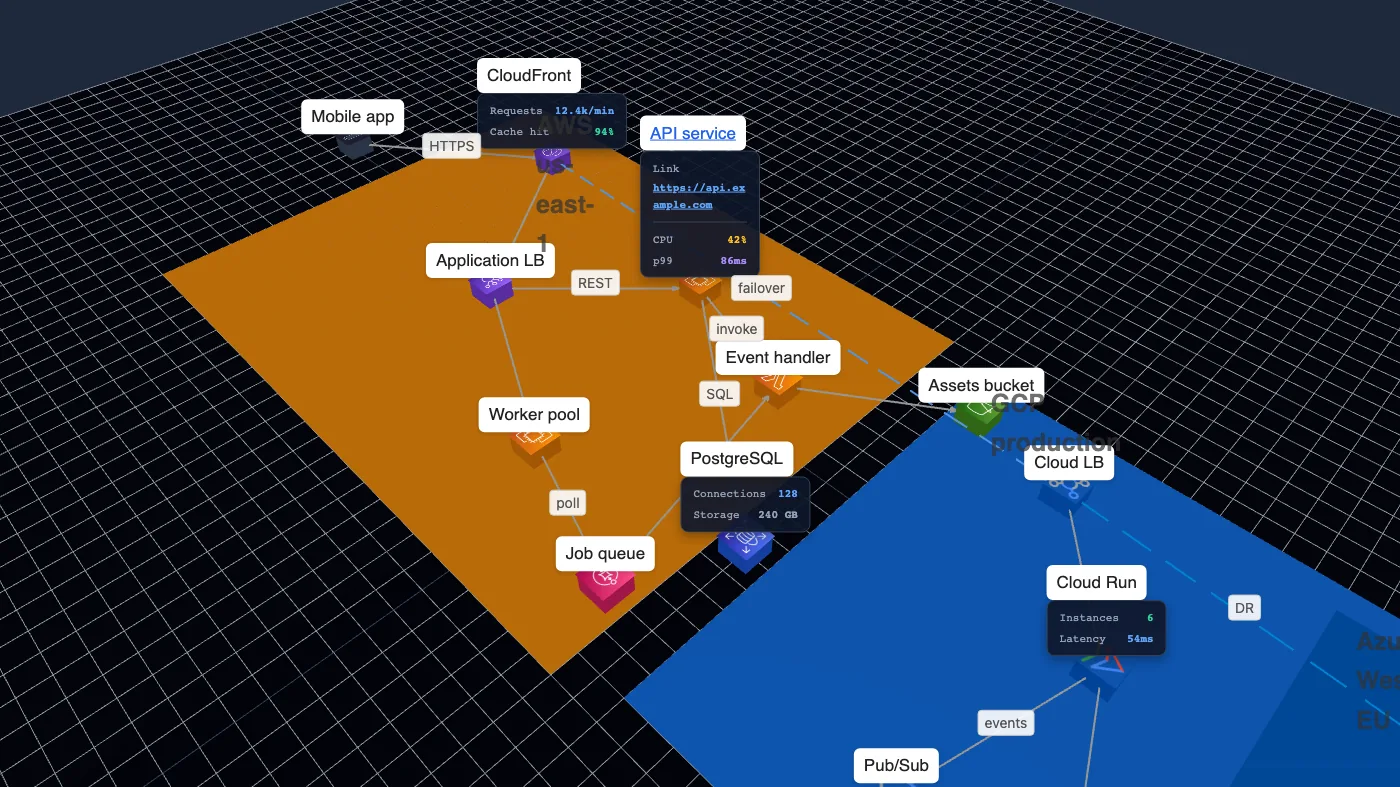
Real workflows — from planning your architecture to responding when things go wrong.
Map every service, database, queue, and API in a single living diagram — so architecture decisions stay visible instead of scattered across docs and whiteboards.
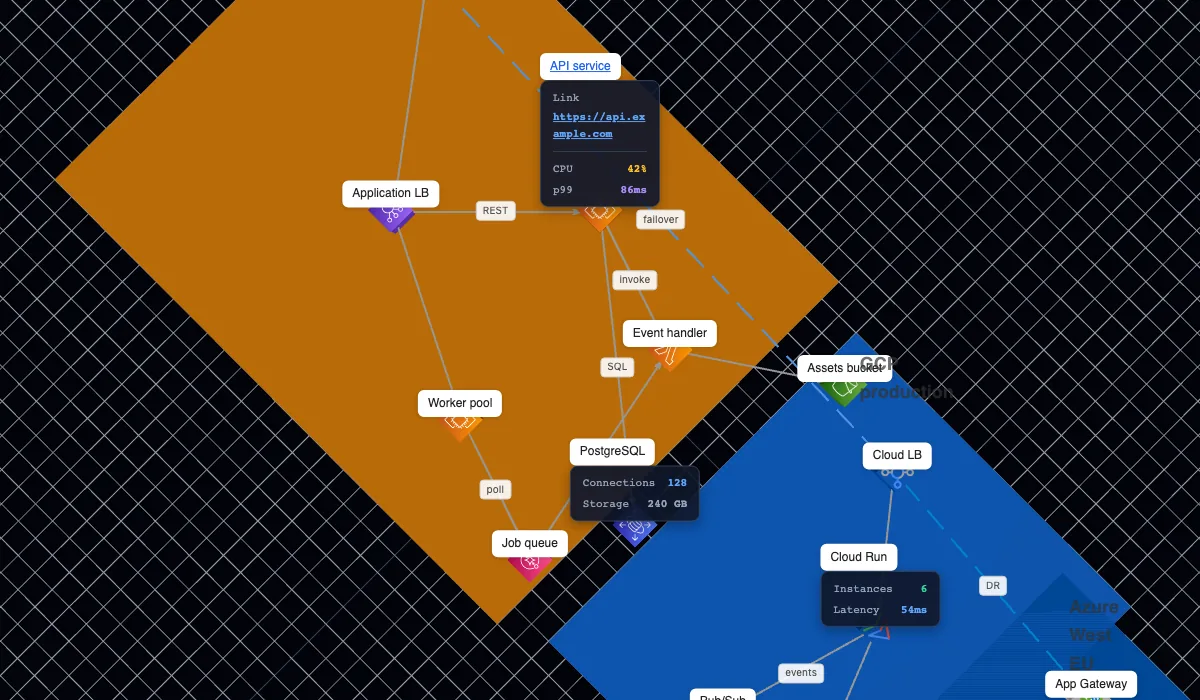
Turn your architecture diagram into a live status board. Embed a read-only view on your website or keep it open on the ops floor.
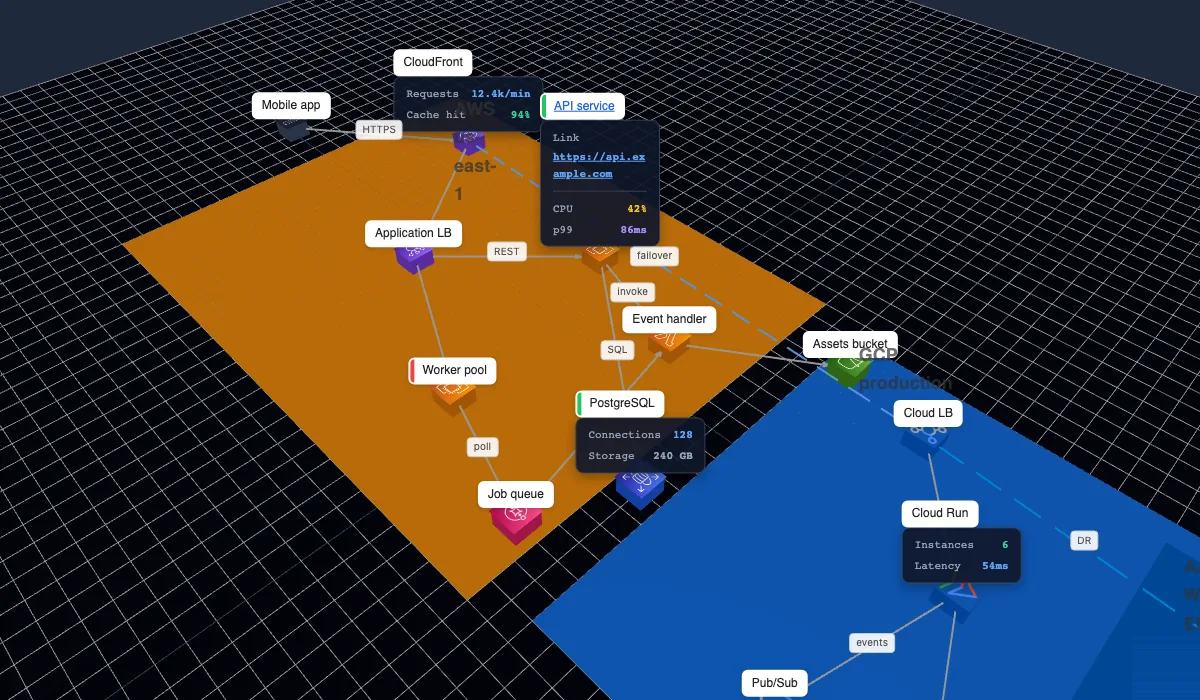
When something breaks, see the blast radius instantly. Spot which services are down, degraded, or still healthy — then jump straight into remediation.
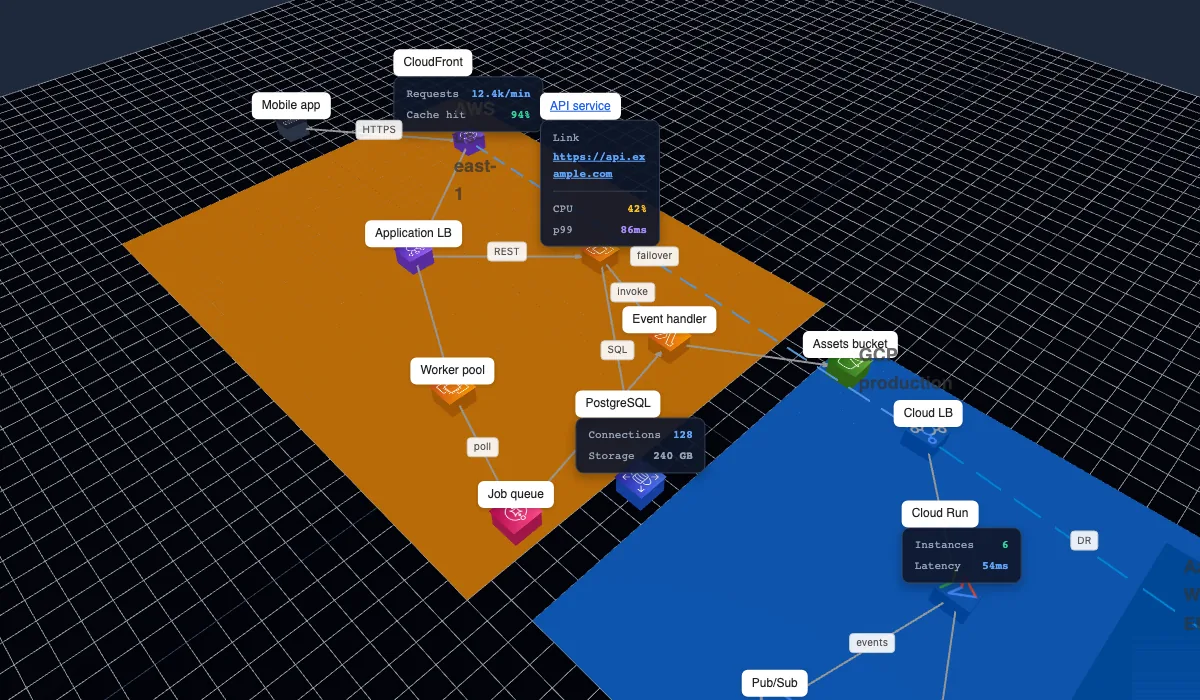
A quick overview of StackScape features for architects, developers, and platform teams.
Zoom, pan, tilt, and orbit your diagram with Google Maps-style controls in 2D or 3D view.
Place entities and zones on an isometric grid for clean, aligned architecture layouts.
Drag AWS, GCP, and Azure service icons onto the canvas, plus generic tech icons.
Draw links between services with snapping, arrows, and customizable stroke styles.
Attach endpoint URLs to nodes and see live status overlays on your diagram.
Edit colors, opacity, labels, links, and custom status overlays for every entity.
Share a read-only view where clicking entities opens their configured links.
Persist canvases to your account or export and import JSON files.
Link a read-only IAM role to discover resources and bootstrap your stack diagram.
Organize services into zones and regions to reflect your real infrastructure layout.
Navigate and edit quickly with shortcuts for common canvas operations.
Work comfortably in light or dark theme — matching your preferred environment.
Start with a 3-day Pro trial on any plan. Add payment only when you are ready to continue.
For solo architects getting started in the cloud.
$96/yr billed annually
For teams running production stacks at scale.
$566/yr billed annually
Everything you need to know about StackScape.
Starter is $10/month (1 canvas, 2 health checks). Pro is $59/month with unlimited canvases and health checks. Annual billing saves about 20%. Every plan includes a 3-day free trial with no credit card required — you get full Pro access during the trial.
After the 3-day trial, add a payment method to continue. If you do not add one, your subscription pauses and your account becomes read-only: you can still open existing canvases, but new canvases and health checks require an active plan.
StackScape includes icon libraries for AWS, Google Cloud, and Azure, plus generic tech icons for databases, APIs, and other services.
Yes. Draw connections between entities with snapping, customizable arrows, and stroke styles to map data flows and dependencies.
You can add health check URLs to any service node. StackScape polls endpoints and shows live status indicators on your diagram.
Link your AWS account with a read-only IAM role and StackScape can discover resources to help bootstrap your architecture diagram.
Diagrams can be saved to your StackScape cloud account. You can also export and import JSON files for backup or sharing.
Yes. Switch between 2D and 3D views with orbit controls — zoom, pan, tilt, and rotate your canvas like a 3D map.
Start building isometric stack diagrams in your browser — no install required.